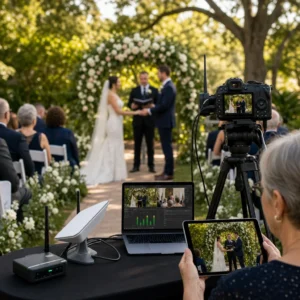
At a Brisbane riverside venue, the ceremony is already underway when a second camera catches the vows, a third tracks the reactions in the front row, and relatives interstate watch the same moment live on their phones. Nobody in the room turns around. That is usually the clearest sign the stream is being handled well.
If you are comparing multi-platform live streaming services Brisbane families, community groups, and businesses can rely on, you do not just need a pretty feed. You need audio people can understand, internet that does not wobble at the worst second, and a setup that suits the room in front of you — whether that is a chapel in Toowong, a hotel ballroom in the CBD, or a backyard in Samford.
Most Brisbane searches surface a mix of AV crews, ceremony specialists, church operators, and hybrid-event teams. That can get confusing fast. So instead of pushing a logo parade, this guide sorts the field into the seven service styles you will actually encounter, who each one suits, and where each option starts to make less sense.
How we selected these multi-platform live streaming services Brisbane options
You can compare prices all day and still miss what really matters. For live events, reliability beats flash. I ranked these options by the things that protect the viewing experience when the room is full, the schedule is tight, and there is no second take.
Watch This Helpful Video
To help you better understand multi-platform live streaming services Brisbane, we’ve included this informative video from 10 News. It provides valuable insights and visual demonstrations that complement the written content.
Reliability, redundancy, and backup paths
Multi-platform live streaming means sending the same event to two or more destinations at once — for example YouTube and Facebook Live, or Zoom and a private viewing page. That sounds simple until a venue network slows down, a cable is nudged, or the mobile signal drops as 200 guests start uploading stories.
That is why redundancy matters. A backup internet path or secondary connection is a practical safeguard when a live event cannot stop for a dropout. In Brisbane, that can mean switching away from weak venue Wi-Fi, using a second data connection, or recording locally even if the live feed stumbles for a moment.
Rule of thumb: if the stream is for a once-only moment, redundancy matters more than fancy graphics.
Audio quality, camera coverage, and venue fit
Brisbane events are not all built alike. One week you might be in a carpeted boardroom near Eagle Street. The next, you are outdoors at New Farm Park with wind, traffic, and no clean power nearby. A good service adapts to the space instead of forcing the same rig into every room.
Audio is where good intentions usually live or die. Guests will forgive a less dramatic angle. They will not forgive muddy vows, a distant eulogy, or a panel discussion where every second voice disappears. Camera count matters too, but only when it serves the event. A three-camera wedding can feel invisible and elegant. A badly placed single camera can feel clumsy even in 4K.
Multi-platform delivery and replay options
Different audiences watch in different ways. A public product launch may suit Facebook Live and YouTube. A memorial often needs a private link or controlled access. A training session may work best inside Zoom or another meeting app so remote attendees can ask questions.
Replay also matters more than many first-time organisers expect. Families often want to revisit speeches or tributes later. Corporate teams may need a cleaned-up file for internal distribution. Churches and community groups often depend on catch-up viewing for members who are away, unwell, or caring for family.
| Criterion | Why it matters | What to ask before booking |
|---|---|---|
| Reliability and backup paths | Protects the stream during once-only moments | Is there a backup internet path, local recording, and a plan if venue Wi-Fi fails? |
| Audio and camera coverage | Keeps speech clear and key reactions visible | How many microphones and cameras are included, and where will they go? |
| Platform and replay options | Matches audience needs and extends value after the event | Can the event go to YouTube, Facebook, Zoom, or a private page, and is replay included? |
#1 Best overall: full-service multi-camera live streaming
Summary: This is the strongest all-round choice when you need one team to handle capture, switching, audio, streaming, and support from setup to finish.
Best for: Weddings, funerals, board presentations, formal ceremonies, and business events where there is no room for guesswork.
What a full-service package usually includes
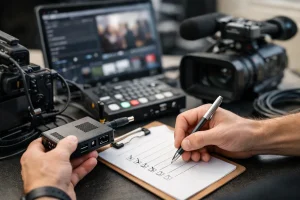
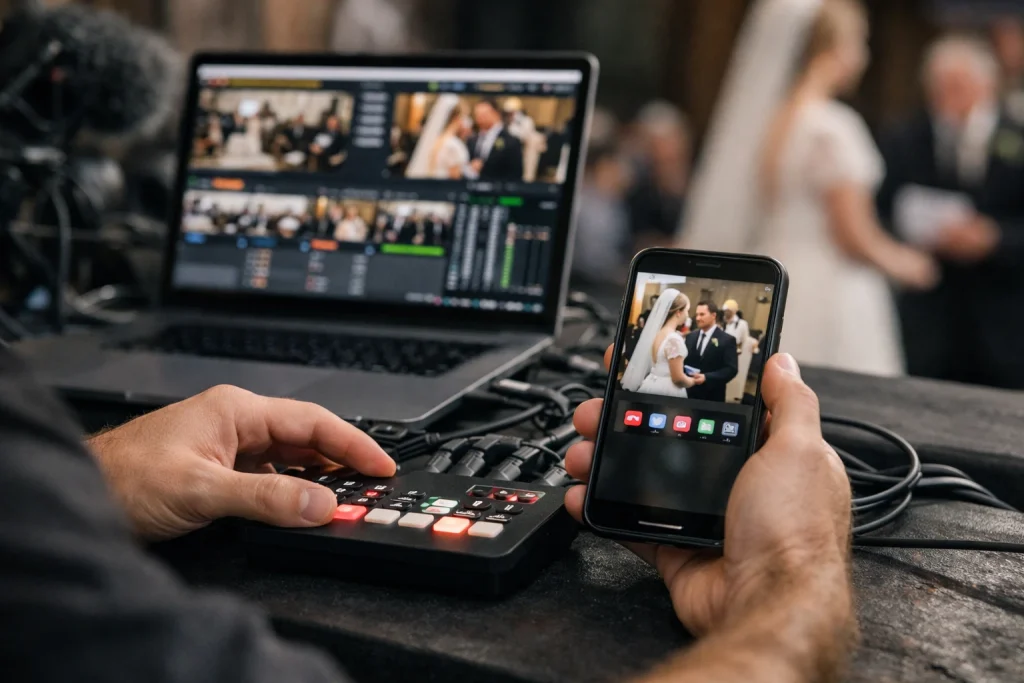
A full-service setup usually combines multiple cameras, live switching, audio capture, and streaming to more than one destination. In practice, that often means two or three cameras, a switcher, direct audio from microphones or the venue desk, graphics for titles if needed, and someone monitoring the live output the whole time.
That matters because multi-camera coverage lets you show the speaker, the room, and the reaction shots without forcing one camera to do everything. You get cleaner pacing, fewer awkward pans, and better insurance if one angle becomes unusable.
Who gets the most value from it
This option earns its keep at events where moments happen once. Think vows, eulogies, keynote openings, AGM motions, or panel intros. If your audience includes both in-room guests and remote viewers on phones, tablets, and office laptops, a properly staffed production gives everyone a better experience.
It also suits larger Brisbane venues where sightlines can shift quickly — a hotel ballroom in the CBD, a church with deep seating, or a riverfront function room with strong backlight late in the afternoon.
Where this option can be overkill
Not every event needs a control table and three operators. If you are streaming a simple internal update with one speaker and no audience interaction, a lighter package may be smarter. You still need good audio and a stable connection. You may not need the full broadcast treatment.
Best for peace of mind, not just picture quality.
#2 Best for weddings and family milestones
Summary: This option favours discretion, emotional sensitivity, and a viewing experience that feels easy for relatives who cannot attend in person.
Best for: Weddings, vow renewals, naming ceremonies, anniversaries, and family gatherings with interstate or overseas viewers.
Why weddings need low-profile cameras
Weddings and family milestones benefit from quiet, fixed camera positions that do not interrupt the ceremony. The best setups disappear into the room. One camera may stay wide on the aisle. Another can cover the couple and celebrant. A third, when used well, picks up parents, laughter, and the quick glance that everyone remembers later.
You do not want an operator pacing in front of guests at Customs House or squeezing between chairs in a small chapel. Low-profile placement is not just about aesthetics. It protects the mood.
If the couple notices the camera more than the ceremony, the setup is too intrusive.
What families should ask for before booking
Ask how the audio will be captured. A hidden microphone near the celebrant or a direct feed from the PA can make the difference between hearing every word and hearing only the breeze. Ask whether the viewing link is simple for older relatives to open on an iPhone or smart TV. Ask whether the crew has worked in outdoor Brisbane heat, garden venues, and late-afternoon glare.
Also ask about arrival time and venue coordination. Good teams solve access, power, and camera placement before guests arrive, not during the processional.
How replay helps relatives who cannot attend
Remote viewing is valuable for guests in Melbourne, Perth, Auckland, or London who cannot travel. Replay makes it better. Families often want a link they can share quietly after the day, especially for speeches and guest messages that pass too quickly in the moment.
If the event is split across ceremony and reception, check whether both parts can be captured or whether a shorter ceremony-only stream makes more sense for your budget.
#3 Best for funerals and memorials
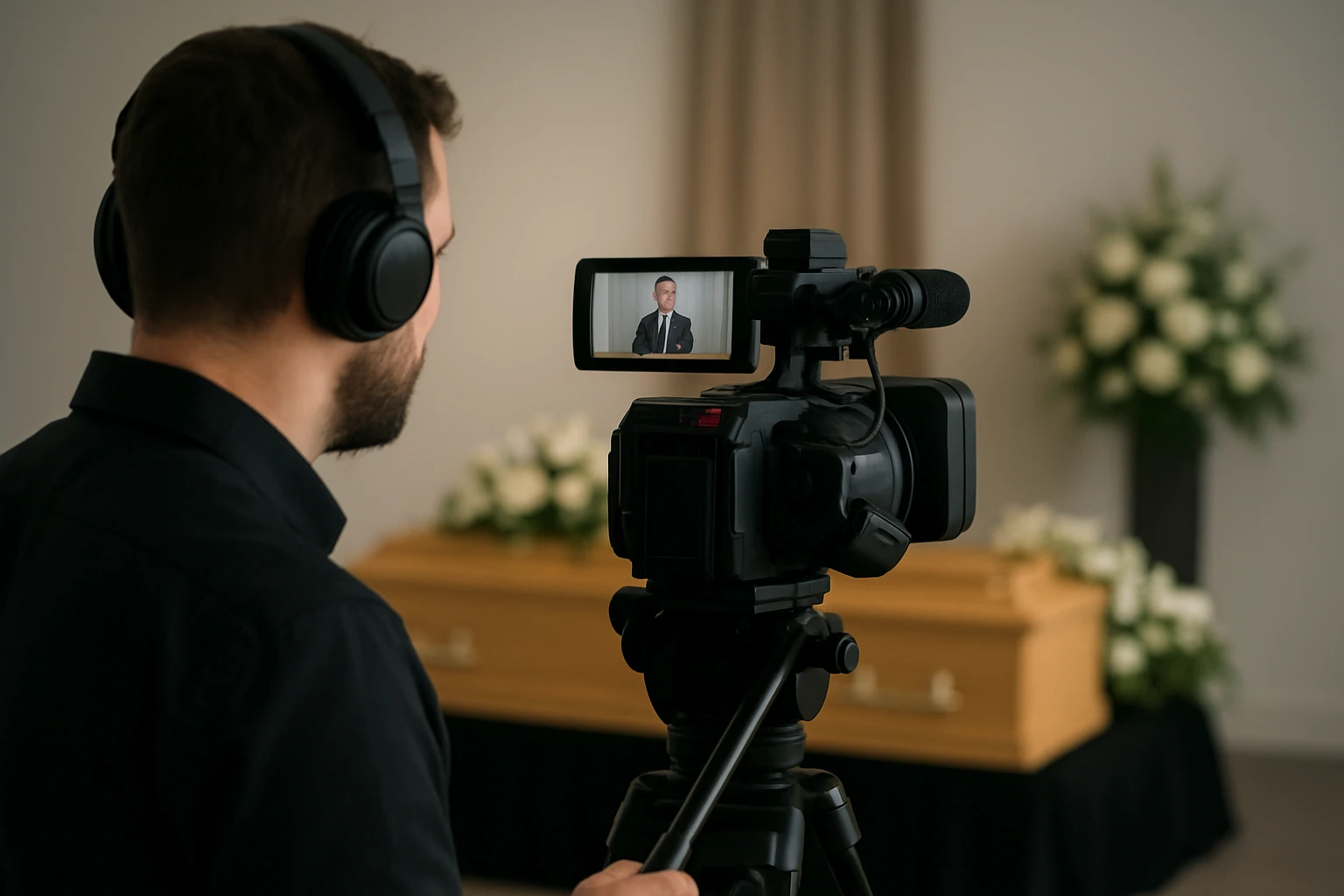
Summary: This option prioritises discretion, clear speech, privacy controls, and a calm setup that does not add stress to a difficult day.
Best for: Families who need respectful coverage for funerals, memorials, graveside services, and celebration-of-life gatherings.
Why memorial services need a different approach
Funerals and memorials are not performance events. They call for unobtrusive equipment placed at the back or side of the venue, minimal movement, and a crew that understands when to blend into the background. The right approach in a chapel at Mount Gravatt will look very different from the right approach at a private home in Redcliffe.
Here, clear speech matters more than cinematic visuals. Readings, tributes, and eulogies are the heart of the service. If viewers cannot hear those cleanly, nothing else really compensates.
Must-have technical features for quiet venues
A memorial stream should have dependable audio capture, stable internet, and a local recording safeguard. One well-framed camera can be enough in a small venue. A second angle helps when there are multiple speakers, musicians, or a slide tribute.
Private access is often essential. Many families want a password-protected page or controlled link rather than a public social stream. That is a practical detail, but it is also a matter of dignity.
For memorials, the best production is the one nobody has to think about.
Sensitive setup checklist for families and venues
- Confirm whether the stream should be public, unlisted, or fully private.
- Ask where cameras will sit so mourners are not crowded.
- Check how readings, lectern microphones, and music will be captured.
- Clarify whether the recording will remain available after the service.
- Ask who the family contact is on the day, so only one person fields technical questions.
#4 Best for conferences, seminars, and panels
Summary: This option suits agenda-driven events where slides, speakers, panel discussion, and audience questions all need to work together.
Best for: Conferences, seminars, university sessions, association events, training days, and panel forums.
How to capture speakers, slides, and audience shots
Conference streaming usually needs separate attention for the stage, the presentation slides, and audience interaction. One camera may hold a wide stage shot. Another can frame the active speaker. Slide capture often needs its own feed so remote viewers can actually read the deck instead of squinting at a screen inside a screen.
Panels and Q&A sessions benefit from multiple microphones so each voice is intelligible. That sounds obvious. Yet it is still the first thing to fall apart when organisers assume the room PA will automatically translate to the stream.
In conference rooms, bad audio wastes more value than bad camera angles.
Why platform integration matters for hybrid sessions
Hybrid events often need a workflow that keeps in-room and remote attendees aligned with the same agenda. That may mean feeding the stream to Zoom for interaction while also sending a public version elsewhere, or sharing recorded segments later with people who missed a breakout.
If audience questions are part of the plan, ask how online questions will be collected and relayed. A clean handoff between the moderator, the room, and the remote platform keeps the session feeling joined up instead of split in two.
What smooth run-of-show support looks like
Good conference crews live by the run sheet. They know when the sponsor video rolls, when the panel chair walks on, and where the hand mic goes after audience Q&A. That operational discipline matters as much as camera quality.
For events at hotels near South Bank or university venues around St Lucia, ask whether the crew will conduct a tech rehearsal or at least a pre-session line check. One calm test can save a dozen small panics.
#5 Best for hybrid corporate events and product launches
Summary: This is the polished, brand-forward option for companies that want live reach without sacrificing presentation quality.
Best for: Product launches, investor updates, leadership town halls, client briefings, internal communications, and branded business events.
Brand-forward visuals and clean framing
Corporate stakeholders usually care about punctuality, file delivery, and post-event access as much as the live broadcast itself. They also care how the stream looks. Product launches and corporate events often need clean framing, consistent lighting, readable graphics, and a set that does not look accidental.
That does not mean every business event needs an LED wall. It does mean the background, camera height, and lighting should feel intentional. A presenter against a cluttered corner in a Fortitude Valley showroom sends a message, whether you mean it to or not.
For business events, the stream is part of the brand experience, not just a technical add-on.
Remote presenters, demos, and audience interaction
Hybrid events often include remote speakers, live demos, or Q&A components that need rehearsal before showtime. If someone is joining from Singapore or Sydney, you want to know how they will appear on screen, how their audio will be checked, and what happens if their laptop decides to update at the wrong moment.
Product demos raise the stakes even more. Close-up camera work, slide switching, and latency between room and stream all need a quick dry run.
On-site coordination with marketing or events teams
The best corporate streams feel coordinated because they are. The streaming crew should know who approves lower-thirds, where the sponsor loop lives, when embargoed material appears, and who signs off the final recording delivery.
If your marketing team is managing assets in advance, make sure file naming, aspect ratios, and cue points are sorted early. That saves a lot of frantic Slack messages ten minutes before doors open.
#6 Best for churches and recurring community services
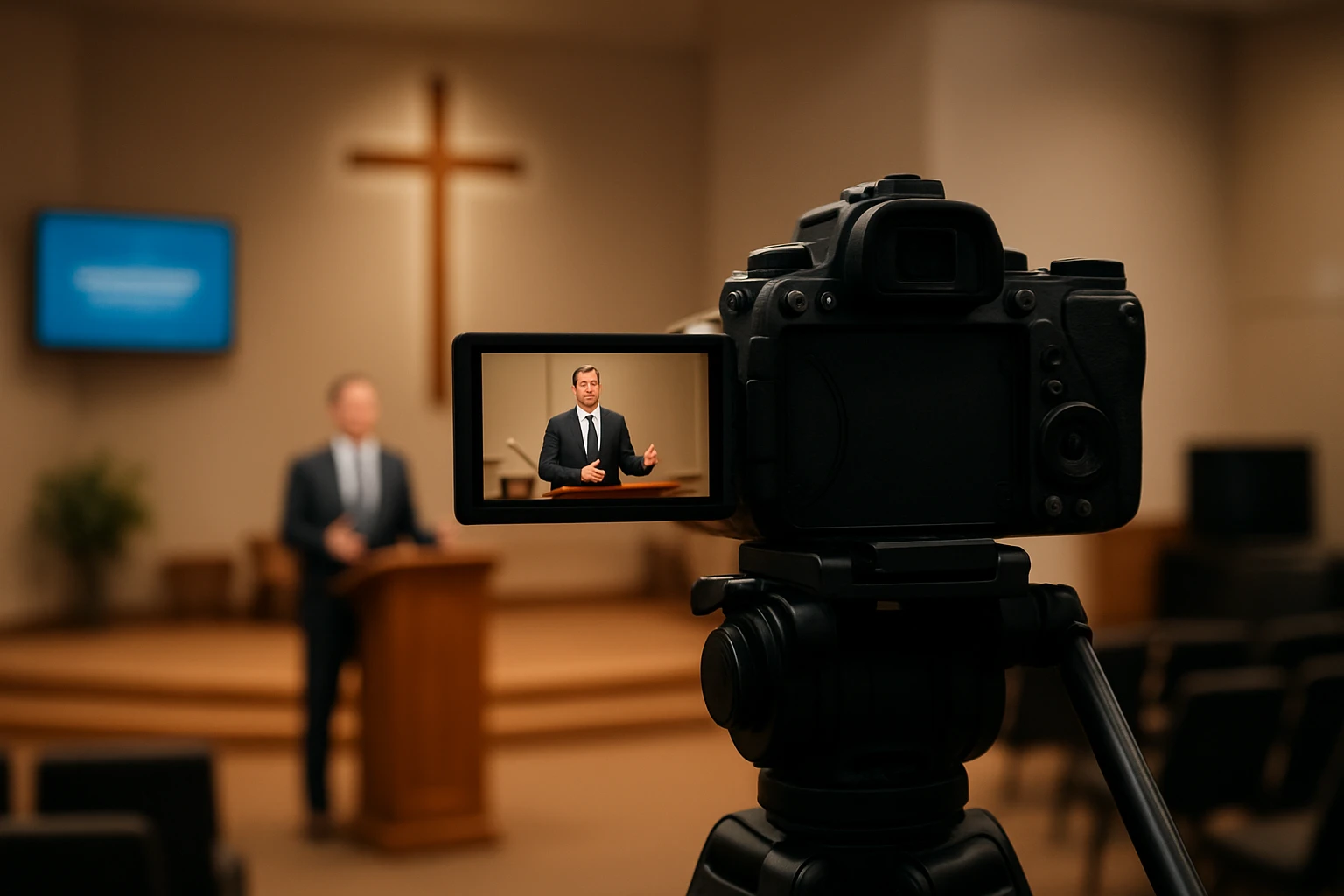
Summary: This option is designed for repeatability — a stable weekly setup, manageable operator workflow, and dependable replay for members who cannot attend.
Best for: Churches, faith communities, local clubs, schools, and organisations that stream regularly rather than once a year.
Why repeatable setup beats one-off complexity
Recurring services benefit from a repeatable camera layout and a predictable control workflow. If every Sunday requires a different patching plan, the system will eventually fail under volunteer pressure. Two fixed cameras at the back, a straightforward audio path, and a known start-up checklist will usually outperform a fancier setup nobody can reliably run.
This matters in older Brisbane churches where access is narrow, lighting changes quickly, and the operator may be sharing duties with music, slides, or welcoming teams.
The best church setup is the one that still works when the regular operator is away.
Simple operator workflows for volunteers
Volunteer-run environments need simple, durable gear that can be set up and packed down quickly. Clear labels, fixed camera presets, and a short laminated checklist can be more valuable than another expensive accessory. If the crew needs specialist knowledge every week, the system is too brittle.
When reviewing a recurring service option, ask how much of the workflow can be standardised. Can a volunteer start the stream, monitor audio, and publish the replay without three different logins and six manual steps?
Archiving services for catch-up viewing
Recorded services help absent members catch up later, especially when illness, work rosters, school sport, or caring responsibilities keep them away. That archive can also help new members explore the community before attending in person.
For churches using YouTube, Facebook, or private links, check how long recordings stay available, whether sermon timestamps can be added later, and how copyright issues around music are handled.
#7 Best for budget-conscious or remote-first events
Summary: This is the leanest practical option for small teams that still need dependable multi-platform reach without a large production footprint.
Best for: Small seminars, simple ceremonies, home-based memorials, community updates, and events where the audience is mainly online.
How to keep the setup lean without cutting essentials
Small events can often be covered with one or two cameras, solid audio, and a dependable streaming path if the venue is straightforward. A living room, meeting room, or small hall does not need the same footprint as a ballroom. That can keep costs sensible while still giving remote viewers a clean, stable experience.
What you strip back is complexity, not the fundamentals. One camera can be enough. One bad microphone cannot.
What not to sacrifice on a tight budget
The first things to protect on a budget are audio clarity, stable internet, and a backup plan. If money is limited, spend it there before spending it on animated graphics, extra lighting, or dramatic camera moves. Those extras are nice. Clear speech and uninterrupted delivery are the baseline.
Cheap is only cheap if the audience can hear and see the event the first time.
For a small Brisbane home setup, that might mean a single locked-off camera, a direct microphone close to the speaker, and a tested secondary connection rather than relying on whatever the household router is doing that day.
How to choose the right option before booking
Start by sorting the event into three simple categories: private or public, one-time or recurring, and mostly in-room or mostly remote. Those answers shape almost every other decision. A public seminar with slides needs a different workflow from a private family memorial. A weekly service needs repeatability. A once-only ceremony needs insurance.
If you are unsure, ask for a stripped-back proposal and a full-service proposal side by side. The difference usually becomes obvious once you compare staffing, camera coverage, backup paths, and replay options.
How to choose the right option
Start with audience, privacy, and viewing habits
Before you talk gear, talk audience. Who is watching? On what device? Do they need public access, password protection, or a meeting room where they can ask questions? A memorial with relatives in the UK has very different needs from a trade announcement aimed at LinkedIn clips later.
If your guests are older or not especially technical, simplicity matters. A clean private link usually creates less friction than asking people to find a social profile, request entry, and troubleshoot login issues five minutes before start time.
Match the setup to the venue and run sheet
Brisbane and surrounding regions give you every kind of venue condition: CBD towers, suburban churches, golf clubs, waterfront lawns, school halls, and private homes. The right service depends on sightlines, power access, noise, weather exposure, and whether the schedule is loose or tightly choreographed.
| Event type | Prioritise first | Best matching option | Main watchout |
|---|---|---|---|
| Wedding or family milestone | Discreet cameras and clear vows | #2 Weddings and family milestones | Intrusive camera placement |
| Funeral or memorial | Privacy and intelligible speech | #3 Funerals and memorials | Public links where private access is needed |
| Conference or seminar | Slides, microphones, and run sheet discipline | #4 Conferences, seminars, and panels | Unreadable slides or messy Q&A |
| Corporate launch or town hall | Brand presentation and punctual delivery | #5 Hybrid corporate events and product launches | Skipping rehearsals for remote presenters |
| Church or recurring service | Repeatable workflow and volunteer ease | #6 Churches and recurring community services | Overcomplicated weekly setup |
| Small or budget-sensitive event | Audio, internet, and backup basics | #7 Budget-conscious or remote-first events | Cutting essentials to save a little money |
Ask these questions before you sign
- What is the backup internet path if the primary connection fails?
- How will speech audio be captured, and will it be tested before guests arrive?
- How many cameras are included, and where will they be positioned?
- Which destinations are supported — YouTube, Facebook, Zoom, private viewing pages, or a mix?
- Is a replay or local recording included if viewers miss the live moment?
- Who is the on-site contact if the venue manager, celebrant, MC, or marketing lead needs a fast decision?
If a provider can answer those questions clearly, without hiding behind jargon, you are usually dealing with a team that knows the job. If the answers feel vague, assume the event day may feel vague too.
The right multi-platform live streaming services Brisbane choice is the one that fits the moment — privacy, venue conditions, audio demands, and backup paths before flashy extras.
A wedding in Bulimba, a memorial in a chapel, and a product launch in the CBD can all be streamed beautifully, but not with the same recipe.
When you picture your event from the viewer’s side of the screen, what matters most if they are hundreds of kilometres away?
Plan With Livestream Company
Livestream Company brings a local Brisbane crew, fast setup, and on-site support so families and businesses can share weddings, funerals, seminars, conferences, and events clearly anywhere.