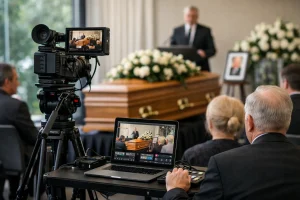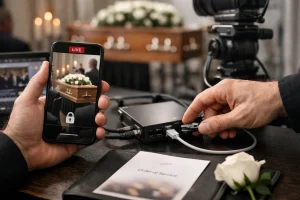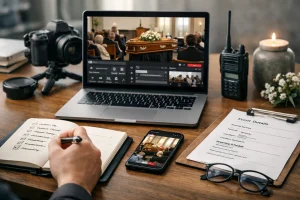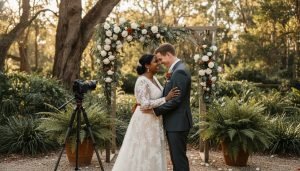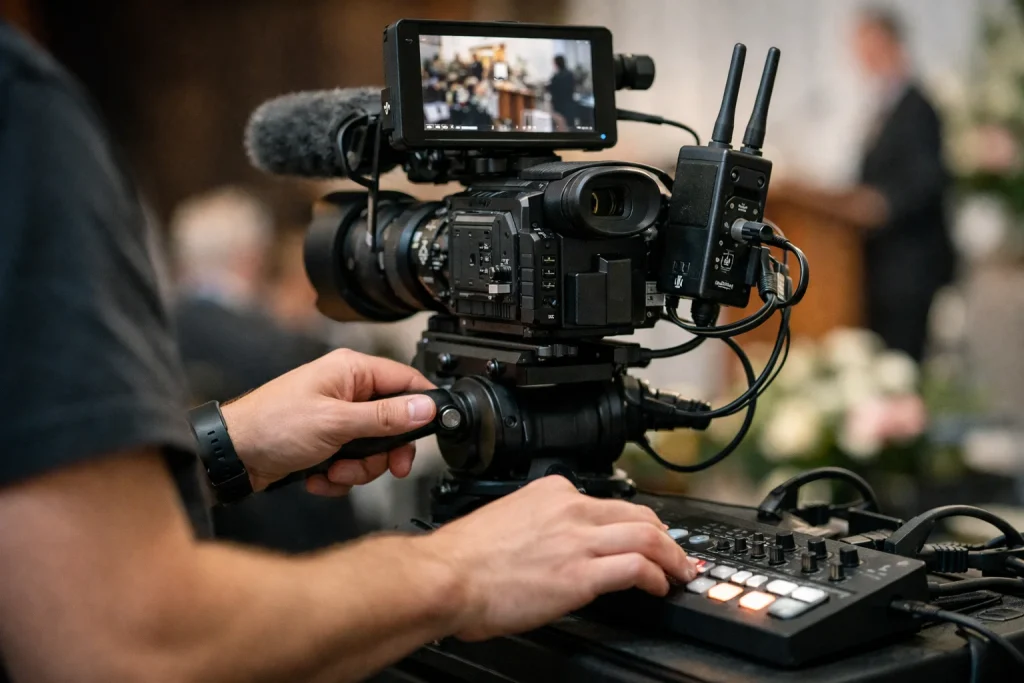
A technician kneels beside a tripod in the back of a candlelit chapel while a second operator watches audio levels on a laptop and the room fills with guests. Nothing dramatic is happening — and that is exactly what you want from an on-site streaming crew.
When the stream works well, remote viewers in Perth, London, or Logan barely think about the crew at all. They hear the vows clearly. They catch the eulogy without strain. They see the service as if they were in the room. Quiet success is the job.
That job matters because live events do not pause for technical problems. A wedding ceremony will not restart because the venue Wi-Fi buckled. A memorial will not repeat a reading because a camera battery died. A funeral service keeps moving whether your stream is ready or not.
So if you are planning coverage for a funeral, wedding, or live service, start with the basics. Fancy gear can help. Dependable results come from planning, audio, connectivity, monitoring, and backup thinking.
What an on-site streaming crew actually does
The crew’s work is broader than most people expect. Yes, they operate cameras. They also plan the run, test the room, manage audio, switch sources, watch the outgoing feed, and protect the stream from avoidable failure.
Watch This Helpful Video
To help you better understand on-site streaming crew, we’ve included this informative video from Nick Jr.. It provides valuable insights and visual demonstrations that complement the written content.
Pre-event planning and site walk-through
Before guests arrive, the crew usually coordinates with the venue or event organiser. That early window matters. It gives you time to test sightlines, power access, cable runs, and signal paths before the room gets busy.
On a site walk-through, we look for practical problems, not glamorous ones. Can a rear camera see over seated guests? Is there clean power near the lectern? Will afternoon sun from a west-facing window blow out the speaker’s face at 4 pm? In a South Bank hotel ballroom, the issue might be distance from the audio desk. In a small chapel, it might be reverberation.
Capturing clean audio and video on location
A reliable live stream depends on more than cameras. It also needs audio capture, encoding, internet, monitoring, and a backup plan. That is why a good crew thinks in chains, not gadgets.
Video usually starts with stable framing — often one safe wide shot and one tighter angle for faces, readings, or the speaker at the lectern. Audio needs even more care. A camera at the back of the room may see everything, but its built-in microphone almost never gives you speech people can follow for 45 minutes. For ceremonies and talks, close audio wins.
| Part of the chain | What the crew checks | What happens if it fails |
|---|---|---|
| Camera | Framing, focus, exposure, stability | Viewers miss key moments or see unusable shots |
| Audio | Mic placement, levels, room noise, distortion | Speeches become hard to understand |
| Encoder or switcher | Input routing, stream settings, recording status | Feed drops or records incorrectly |
| Internet | Upload stability, backup path, cable security | Buffering, freezes, disconnects |
| Monitoring | Outgoing stream, audio meters, viewer-side check | Problems go unnoticed for too long |
Monitoring the stream in real time
Live streaming is not a “press start and walk away” task. Someone needs to watch the stream as it leaves the room, not just the camera picture. That means checking audio meters, stream health, platform status, and a live viewer feed on a second device.
If a microphone crackles, if the Facebook or YouTube preview stalls, or if an HDMI cable gets nudged during a reading, the crew catches it fast. That is the difference between a small correction and a ruined event archive.
The stream is only as strong as the weakest link in the chain.
Fundamentals every event stream needs to get right
Most stream failures come from neglected basics, not missing high-end gear. Stable internet, clear audio, dependable power, and sensible framing matter more than flashy equipment lists.
Venue internet and connection choices
A wired internet connection is generally more reliable than venue Wi-Fi for live streaming. If you can run Ethernet directly to the streaming station, do it. A cable does not care how many guests open Instagram when the ceremony starts.
Venue Wi-Fi can still be useful for testing or admin tasks, but it is risky as the primary path. In practice, many crews bring a second option such as a mobile hotspot or another independent connection. In busy venues across Brisbane, guest traffic can change network performance fast.
| Connection option | Strength | Risk | Best use |
|---|---|---|---|
| Wired Ethernet | Stable and predictable | Requires access and cable run | Primary stream connection |
| Venue Wi-Fi | Easy to join | Congestion when guests arrive | Secondary convenience only |
| Mobile hotspot or cellular backup | Independent from venue network | Signal varies by location | Backup path if house internet fails |
Audio-first planning for speeches and ceremonies
Speech intelligibility matters more than cinematic visuals for weddings, funerals, and live services. Viewers will forgive a brief exposure change. They will not stay patient through 20 minutes of muddy vows or a reading that sounds like it was recorded from the car park.
Plan audio around the people who need to be understood. That might mean a lavalier on an officiant, a feed from the venue mixer, a lectern microphone, or a handheld for audience questions. Headphones are not optional here. You need someone actively listening, not assuming.
If viewers can forgive a momentary visual glitch, they rarely forgive bad sound.
Power, batteries, and backup equipment
Power problems are mundane. They are also brutal. A loose extension lead, an overloaded power board, or one uncharged battery can take out a perfectly good stream in seconds.
Professional event jobs usually include backup batteries, spare cables, and redundant recording. Think of it like seatbelts, not luxury extras. A crew should know which camera is on mains, which is on battery, how long each pack will last, and where the spare SD cards live.
- Bring more batteries than the run sheet suggests.
- Label power supplies and adapters so pack-down errors do not create setup errors next time.
- Record locally as well as live when possible.
- Keep critical cables off walkways or secure them before guests enter.
How an on-site streaming crew runs the day
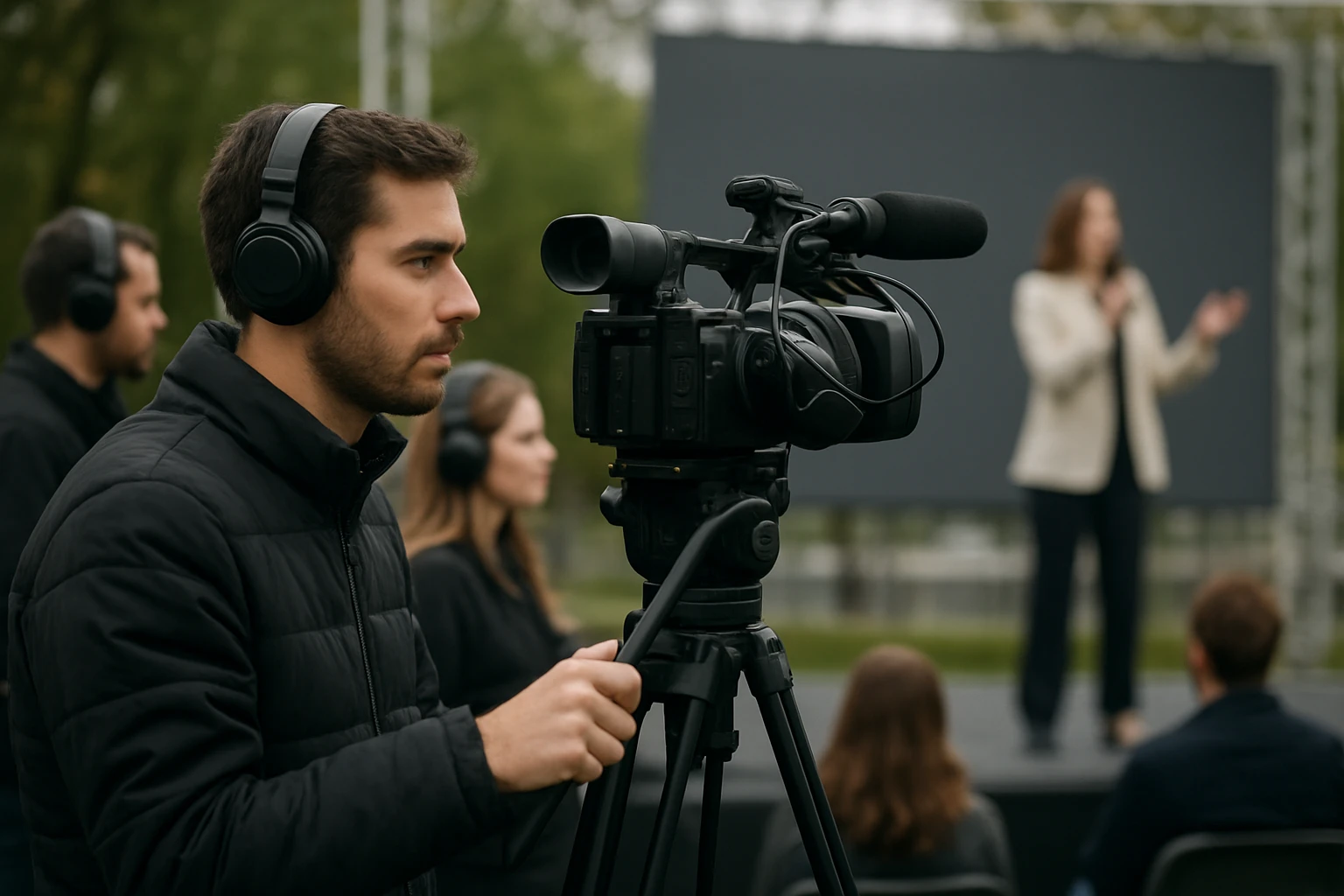
This is where preparation turns into calm execution. The strongest crews look unhurried on the day because most of the stressful decisions were made before the doors opened.
Load-in, setup, and rehearsal
For a 2:00 pm service, a crew might arrive at 12:00 or 12:30, depending on access and complexity. They load gear in, place cameras, run audio, power the encoder, and build the stream path well before the first guest takes a seat.
A rehearsal or line check before the official start helps catch microphone issues, framing problems, and signal dropouts early. Even five minutes with the officiant, MC, or presenter helps. You learn whether the speaker stays at the lectern, whether slides will come from HDMI or USB-C, and whether a musician is suddenly part of the program.
Live switching, monitoring, and backup recording
Once live, the job becomes part technical discipline, part quiet anticipation. One crew member may watch audio meters and stream health while another manages cameras and shot changes. On a live service, you may cut between the presenter, the live feed, and a room wide shot. At a wedding, you may hold longer, gentler frames because constant cutting would feel intrusive.
Professional crews often record a local backup while streaming live. That single habit saves events. If the internet drops for two minutes during a memorial reading, you still have clean footage for a replay upload or private family archive later that day.
A second device matters too. Checking the outgoing feed on a tablet or phone shows what remote viewers actually receive, not just what the switcher claims it is sending.
The best live productions look calm because the stressful work happens before the audience notices anything.
Pack-down and post-event delivery
The work does not stop when the room applauds or the final hymn ends. First, the crew confirms the stream has ended cleanly. Then they verify the local recording, label files, and make sure nothing critical was corrupted before cables start disappearing into cases.
Post-event delivery can be simple or detailed. Some clients only need the stream replay link. Others want a cleaned-up recording sent to family overseas, a private archive file, or separate clips for follow-up. For a live service, that may mean trimming the opening chatter. For a funeral, it may mean sharing a private replay link with relatives in New Zealand that same evening.
- Stop the live stream deliberately, not in a rush.
- Check the local recording before pack-down is complete.
- Label media and backup files while details are still fresh.
- Deliver replay access in the format promised.
Best practices for weddings, funerals, and live services
The same crew can cover very different events well, but only if the approach changes with the room, the audience, and the emotional weight of the day.
Matching the production style to the occasion
Funerals and memorials usually call for a low-profile setup that does not distract from the ceremony. Weddings often need flexible camera placement so key moments are covered without interrupting the service. Other live services usually need a clean technical structure — speaker, readings, and audience participation captured in order.
| Event type | Main priority | Typical crew approach |
|---|---|---|
| Wedding | Cover key moments without intrusion | Rear wide shot plus one closer angle, careful aisle placement |
| Funeral or memorial | Respectful, discreet presence | Minimal movement, quiet operation, private viewing options |
| Live service | Clarity and structure | Speaker framing, audio capture, reliable viewing for remote guests |
| Graveside service | Simple, respectful coverage | Low-profile setup, discreet angles, careful coordination |
Keeping the stream discreet and respectful
Good crews know when to disappear. That means dressing appropriately, keeping gear footprints tight, avoiding unnecessary movement, and choosing camera positions that respect both the room and the people in it. In a memorial service, the most professional choice is often the least visible one.
Discretion also applies online. Some events suit a public platform. Others need a private link, moderation, or controlled guest access. A family service and a private memorial have very different privacy expectations, even if both use the same core streaming tools.
Good event streaming should feel invisible to the people in the room.
Using framing and pacing to support the message
Camera choices shape how remote guests feel. A locked-off wide shot can make a chapel feel peaceful and grounded. A closer shot during vows or a eulogy can help distant viewers feel present without turning the moment into a production stunt.
Pacing matters just as much. Live services usually benefit from brisk, functional switching: speaker, reading, audience question, back to speaker. Ceremonies often need patience. Hold the frame. Let the room breathe. If there is music, do not cut just because you can.
This is where experience shows. A crew serving Brisbane families one day and memorial services the next learns to read tone fast — and to keep the stream serving the event, not competing with it.
Common mistakes that hurt stream quality
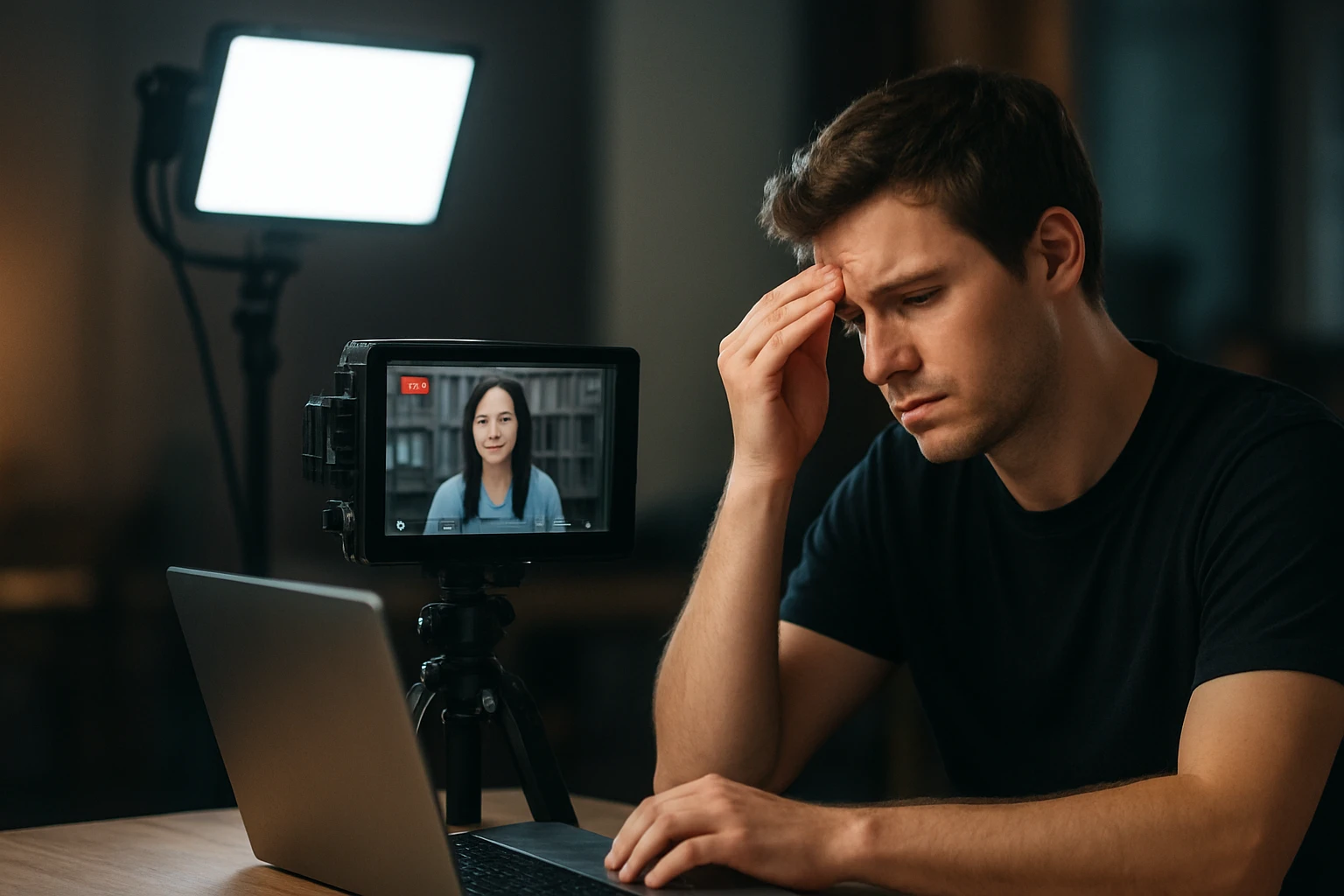
Most viewer complaints trace back to a few repeat mistakes. None of them are exotic. All of them are preventable.
Depending on venue Wi-Fi alone
Venue Wi-Fi often looks fine during setup when the room is empty. Then 150 guests arrive, phones connect, photos upload, and the stream starts buffering. That shift catches people every week.
If you rely on house Wi-Fi alone, you are betting the event on a shared system you do not control. A wired connection or independent backup path gives you options when the room gets busy.
Placing microphones too far from the speaker
Poor mic placement can make a stream unusable even when the video looks sharp. This is common at the back of churches, in echo-heavy halls, and during question sessions where the audience speaks without a handheld microphone.
A camera microphone four rows back hears the room more than the speaker. You want the opposite. Put the microphone close to the person talking, or take a proper feed from the venue audio system and monitor it with headphones the whole time.
Skipping a backup plan for internet or power
A lack of backup internet, backup power, or redundant recording can turn a small fault into a full stream failure. One dead battery should be annoying, not catastrophic. One dropped network should trigger a fallback, not panic.
| Mistake | What viewers notice | Simple safeguard |
|---|---|---|
| One connection only | Freezing or stream drop | Bring a second network path |
| One microphone only | Muffled or missing speech | Carry a spare mic or alternate audio feed |
| One power source only | Sudden shutdown | Use charged batteries and tested mains backup |
| No local recording | No usable replay after outage | Record locally while streaming live |
Never trust one connection, one battery, or one mic to carry the whole event.
Tools and resources a good crew should bring
Tools matter because they support good habits. A practical kit keeps the event stable, audible, and recoverable when something small goes wrong.
Cameras, tripods, and lenses
A practical streaming kit usually includes cameras, tripods, microphones, an encoder or switcher, monitoring devices, and plenty of cabling. For many events, two cameras are enough: one safe wide, one tighter detail shot. What matters is stable support and predictable framing, not showing off every lens in the case.
Tripods should be solid and easy to level on uneven floors. Lens choice should fit the room. In a narrow chapel, you may need a wider field of view from the back. In a live service in Fortitude Valley, a medium zoom may cover the speaker cleanly.
Audio gear, encoder, and monitoring tools
Headphones are essential for checking audio quality during the live event. Without them, you are guessing. A good crew should also have the right mix of microphones, audio adapters, and a clear plan for whether the stream audio comes from the house desk, direct mics, or both.
The encoder or switcher is the heart of the live path. It takes the cameras and audio, builds the program feed, and sends it to the chosen platform — whether that is YouTube, Facebook, a private page, or a custom viewing link. If you are speaking with a Brisbane provider such as Livestream Company, ask one plain question: what happens if the primary stream path fails?
Cables, spares, batteries, and checklists
Spare cables and labeled backups help crews recover quickly from equipment faults. That sounds boring until a single faulty HDMI lead threatens a ceremony start. Then it sounds professional.
Checklists are the quiet heroes here. They prevent the silly misses: missing power adaptors, empty batteries, forgotten audio adapters, unformatted cards, or the wrong streaming key loaded on the laptop. For crews covering multiple event types in a week, a written checklist beats memory every time.
| Category | Bring | Why it matters |
|---|---|---|
| Video | Cameras, tripods, spare media | Stable coverage and reliable recording |
| Audio | Mics, adapters, headphones, backup cables | Clear speech and fast recovery |
| Streaming | Encoder or switcher, laptop or control device, tablet preview | Live delivery and monitoring |
| Power | Batteries, chargers, extension leads, power boards | Continuous operation across long events |
| Contingency | Backup internet, spare cables, printed checklist | Protection against preventable failure |
If it is critical to the stream, bring a spare.
Great event streaming lives or dies on preparation, clean sound, solid connectivity, and calm hands on the day.
That is why a dependable on-site streaming crew worries about Ethernet runs, microphone placement, backup recording, and power long before your guests click a link or take a seat. Flashy gear can help, but planning saves streams.
When you compare providers across Brisbane and surrounding regions, what would give you more confidence on your day: another camera, or a crew that can explain its backup plan in plain English?
Bring Remote Guests Closer With Livestream Company
Brisbane-based crew offers fast setup and on-site support so families can share weddings, funerals, and live services with remote viewers.