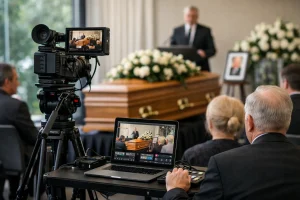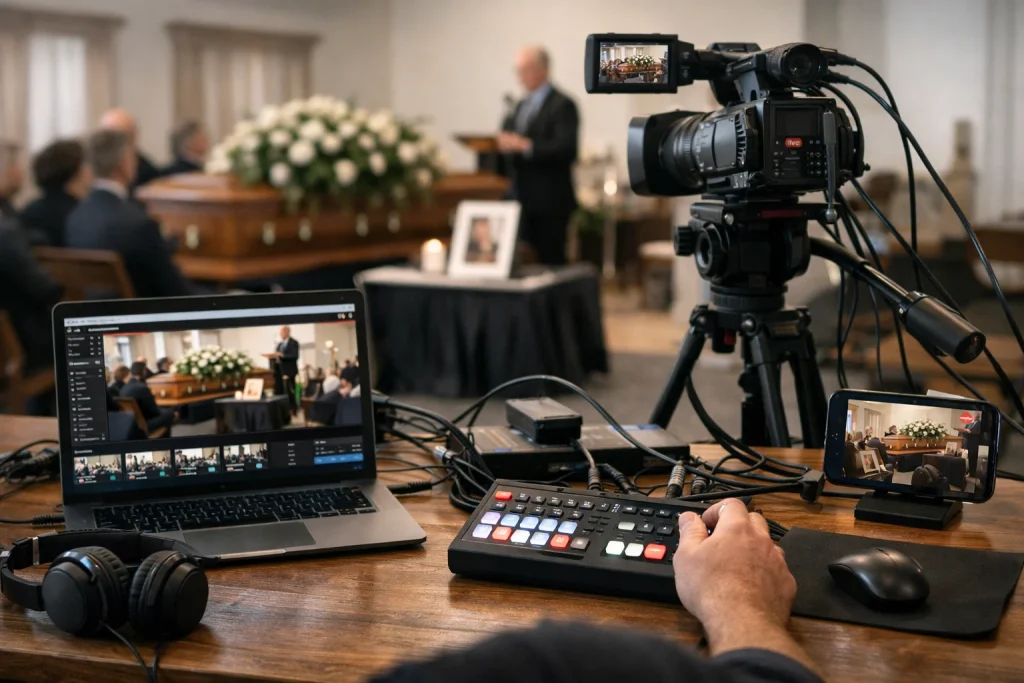
In the back row of a Brisbane chapel, a laptop glows beside a spray of white lilies as a granddaughter in Perth wipes her eyes and watches the first reading begin. That small screen explains why professional funeral live streaming services in Brisbane matter — they bring absent family into the room without changing the tone of the farewell itself.
If you have never arranged a funeral stream before, the details can feel oddly technical at the worst possible time. You may need to think about chapel acoustics at a crematorium in Mount Gravatt, mobile coverage at a graveside in Redland, or whether an elderly uncle in Toowoomba can join from an iPad without downloading anything.
Done properly, a funeral livestream is quiet, reliable, and easy for guests. Done poorly, it becomes one more source of stress. This guide walks you through what a professional service actually includes, how the process works from booking to playback, what separates respectful coverage from casual video, and what questions you should ask before you commit.
Fundamentals of Professional Funeral Live Streaming Services in Brisbane
What a professional funeral livestream actually covers
A professional funeral livestream is not just a camera at the back of the room. It usually covers pre-service planning, venue coordination, discreet setup, sound capture, internet management, live monitoring, recording, and after-service delivery. In practice, that means someone is thinking about the whole chain before the first guest arrives.
That end-to-end approach shows up in the Brisbane market because funeral days often move quickly. A service might begin in a chapel, continue to a graveside, and then shift to a wake in under three hours. A fully managed approach makes sense in a setting where families should not have to troubleshoot cables or links.
A funeral livestream should reduce stress for the family, not create another task list.
When a provider says it handles everything, ask what that actually includes. You want specifics: who arrives on site, how audio gets captured, what internet is used, where viewers click to watch, and how the recording is delivered afterward.
Why families, funeral directors, and absent guests use it
Families use livestreaming because distance is real. Flights are expensive. Illness happens. Work rosters do not pause. A cousin may be in London, a brother may be in Darwin, and a grandparent may be unable to travel from the Gold Coast. A stream lets them witness the farewell in real time rather than hearing about it later.
Funeral directors value it for a different reason: it extends the service without crowding the room or increasing workload. That aligns with what funeral staff need most on a busy day — fewer moving parts, not more.
Absent guests care about ease. Viewers should be able to join from anywhere on a range of devices, with simple access that respects the family’s privacy preferences. Still, some families prefer tighter privacy. Secure hosting and private viewing pages can help balance simple access with controlled viewing. Those approaches are not really contradictory; they reflect a trade-off between ease and privacy.
What “high quality” means in a funeral setting
In funerals, high quality does not mean flashy production. It means people can hear every word, see the key moments without distraction, and join without technical confusion. If the stream is 1080p but the eulogy sounds thin or distorted, the service has failed where it counts.
The service should be professional multi-camera streaming with clear mixed audio. Dignified, discreet, broadcast-grade quality matters, but only if it serves the atmosphere of the room. A good crew blends in. They do not perform for the camera.
| Element | What family notices | What professional delivery looks like |
|---|---|---|
| Audio | Can viewers hear readings, music, and eulogies clearly? | Mixed sound from lectern, PA, and room ambience |
| Video | Is the picture steady and respectful? | Tripod-mounted cameras, careful framing, no intrusive movement |
| Internet | Does the stream freeze or drop out? | Dedicated connection, testing, and backup planning |
| Access | Can guests join without confusion? | Simple link, clear instructions, broad device support |
| Aftercare | Can the family rewatch or share it later? | Recording, hosting, download, and playback options |
How Funeral Live Streaming Works from Booking to Playback
From enquiry and scheduling to on-site setup
The process should begin with a calm, short briefing. A solid provider will ask for the date, time, venue, type of service, expected audience size, whether there is a burial afterward, and whether the family wants the stream public, unlisted, or private. If music, slideshows, or remote speakers are involved, that needs to come up early.
On a Brisbane job, I want the workflow explained in plain language. Who is speaking to the funeral director? When does the crew arrive? Where will the cameras sit? Does the celebrant know there is a stream? Those questions save stress later.
- Confirm the service time, venue, and arrival window.
- Check the room layout, lectern position, and audio source.
- Decide how viewers will access the stream.
- Clarify whether the burial, graveside, or wake needs coverage.
- Test cameras, microphones, and connection before guests enter.
- Explain how and when the recording will be delivered.
Live production: cameras, audio, and internet
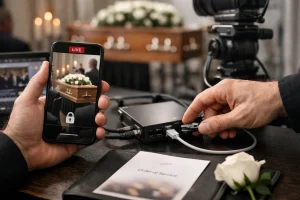
This is where professional handling really shows. A provider should bring its own internet connection when needed. That matters because venue Wi-Fi is often shared, restricted, or simply not strong enough for reliable upload. A provider that depends entirely on chapel Wi-Fi is taking a gamble with your service.
Camera and audio choices should fit the room. A compact setup might use one wide camera at the back and a second tighter angle near the side aisle. Audio should come from the lectern or house PA where possible, with room sound added carefully so music and congregational responses still feel natural.
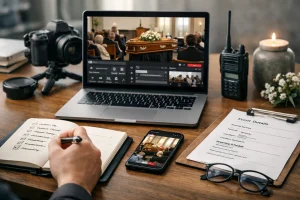
A two-person broadcast team model can be smart, with one operator on site and another monitoring remotely. One person manages the atmosphere in the room; the other monitors stream health, switches angles, and watches viewer output. Small footprint. Full attention.
If a provider cannot clearly explain who handles audio, internet, recording, and delivery, that is a warning sign.
| Stage | What should happen | What you should ask |
|---|---|---|
| Setup | Crew arrives early and tests all equipment | How long before the service do you arrive? |
| Audio | Lectern, officiant, and music are checked | How do you capture speech and live music? |
| Internet | Dedicated connection is tested on site | Do you bring your own internet? |
| Live monitoring | Someone watches the outgoing stream throughout | Who monitors the live feed once it starts? |
Recording, hosting, and after-service delivery
The livestream is only part of the service. Families often need a clean recording afterward for relatives who missed the live event, or simply to revisit the words when the first shock has passed. A funeral recording to download after the service should be a basic expectation.
Some providers go further. Memorial pages with photos, videos, and full service playback, plus edited memorial videos available within 48 hours, can be very valuable. Families are often still fielding messages the next day, and having the recording ready removes another delay.
Before you book, ask where the video will live, who can access it, and how long it stays available. A private viewing page suits some families. Others prefer a simple download link. Neither is automatically better. The right choice depends on privacy, technical comfort, and how widely the family wants to share the service.
Best Practices for a Respectful, Reliable Funeral Stream
Prioritise sound before picture
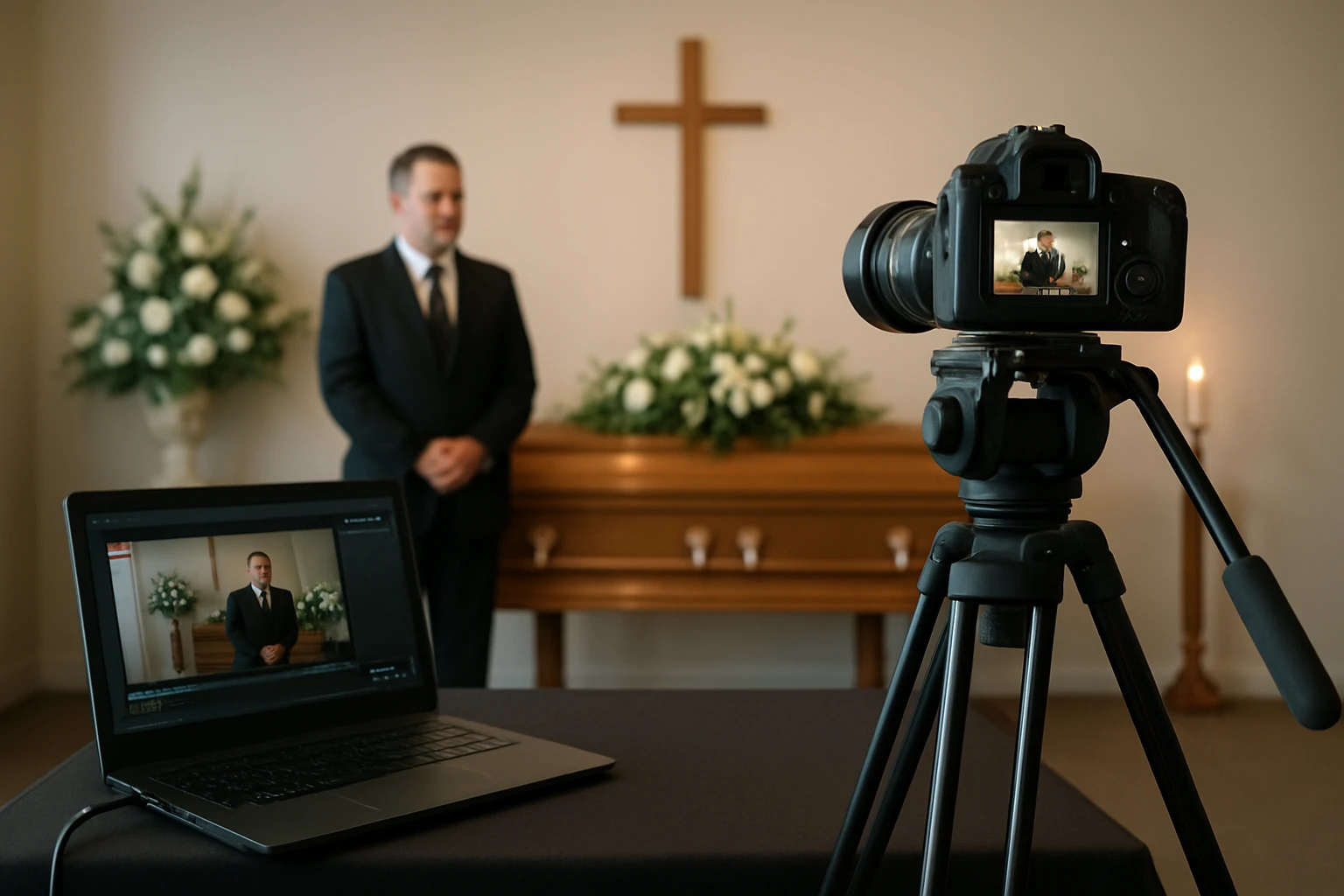
If you remember one technical rule, make it this: protect the audio first. Families forgive a slightly less dramatic camera angle. They do not forgive missing half the eulogy because the lectern microphone was not properly captured.
Clear mixed audio is part of any strong HD live streaming service, and that emphasis is well placed. In a funeral setting, good sound usually means combining the venue feed with careful ambient audio. You want the spoken word to be clear, but you also want the room to feel real — the hymn, the pause after a reading, the soft laughter at a story from 1978.
For funeral streaming, audio clarity matters more than flashy visuals.
I have seen single-camera streams work beautifully because the audio was clean. I have also seen expensive-looking setups fail because nobody could hear the celebrant once the congregation stood up and rustled their order of service.
Choose camera placement that preserves the tone of the service
Camera placement should support the ceremony, not compete with it. In most chapels, the best positions sit at the back or off to one side, high enough for a clear view and far enough away to feel unobtrusive. A camera operator should not be walking the aisle during a eulogy unless the family has specifically requested more dynamic coverage.
Multi-camera capability and full AV and overflow solutions can be helpful when handled with restraint. One angle might stay wide on the room while another frames the lectern or floral tribute table. For a larger service in Brisbane with an overflow room, AV support matters just as much on site as it does online.
Discretion counts here. Ask whether the crew dresses appropriately, how visible the equipment will be, and whether they have worked in churches, crematoria, homes, or outdoor memorials before. Different venues ask for different habits.
Keep access simple for older relatives and distant guests
Remote guests are often grieving and not especially patient with technology. A service that avoids passwords and app downloads removes a lot of friction for viewers joining from phones, tablets, and laptops. That can be the difference between a smooth experience and three panicked calls five minutes before the service.
Still, simplicity should not rule out support for special needs. Captions and interpreters where appropriate can help hearing-impaired viewers, bilingual families, or guests joining from noisy environments. Ease of access is not just about fewer clicks. It is also about making the service understandable to the people who need it most.
- Send the viewing link well ahead of time.
- Include one-sentence instructions in plain English.
- Test the link on iPhone, Android, and desktop if possible.
- Have one contact person for remote guest support.
- Decide early whether privacy or simplicity matters more for your family.
Common Mistakes to Avoid When Streaming a Funeral
Depending on venue Wi-Fi instead of planning connectivity
This is the mistake I worry about most. Chapels are not broadcast studios. Some have solid internet. Some absolutely do not. Thick walls, crowded networks, outdoor services, and last-minute room changes can all wreck a stream that looked fine on paper.
Bringing an independent internet connection directly addresses the biggest technical risk. Even if a venue offers Wi-Fi, a professional crew should be prepared with backup connectivity and a backup path. If the service includes a graveside segment, ask how that handoff works before the day arrives.
Making viewers jump through logins or downloads
Every extra step loses someone. A grieving aunt in Adelaide should not need to create an account, verify an email, download software, and learn a new interface just to hear the final blessing. Simple access is a practical response to a real problem.
That said, privacy still matters. Some families do not want a widely shareable open link. This is where you need nuance, not ideology. A simple private page or secure hosted link often works better than a full login system. Keep the barrier low, but not careless.
Forgetting the recording, privacy, and hosting plan
Many people focus on the live moment and forget what happens after. Who gets the recording? How quickly? Is it downloadable? Will it sit on a private viewing page? Can the family remove it later? These questions are easier to ask before the service than after it.
Secure hosting and private online pages with photos, videos, and full service playback can help. A quick edited delivery is also useful because families often want both immediacy and control — quick access now, thoughtful archiving later.
The biggest mistake is treating a funeral livestream like a casual phone video.
| Mistake | What goes wrong | Better plan |
|---|---|---|
| Using venue Wi-Fi without testing | Buffering, dropouts, or total failure | Use a dedicated connection with backup |
| Complicated access steps | Older guests cannot join in time | Simple link and clear instructions |
| No recording plan | Family waits days or weeks for playback | Confirm delivery method and turnaround |
| No privacy discussion | Links are overshared or hosting feels unclear | Choose open, unlisted, or private access early |
Tools and Resources to Ask For From a Brisbane Provider
Core equipment and service components
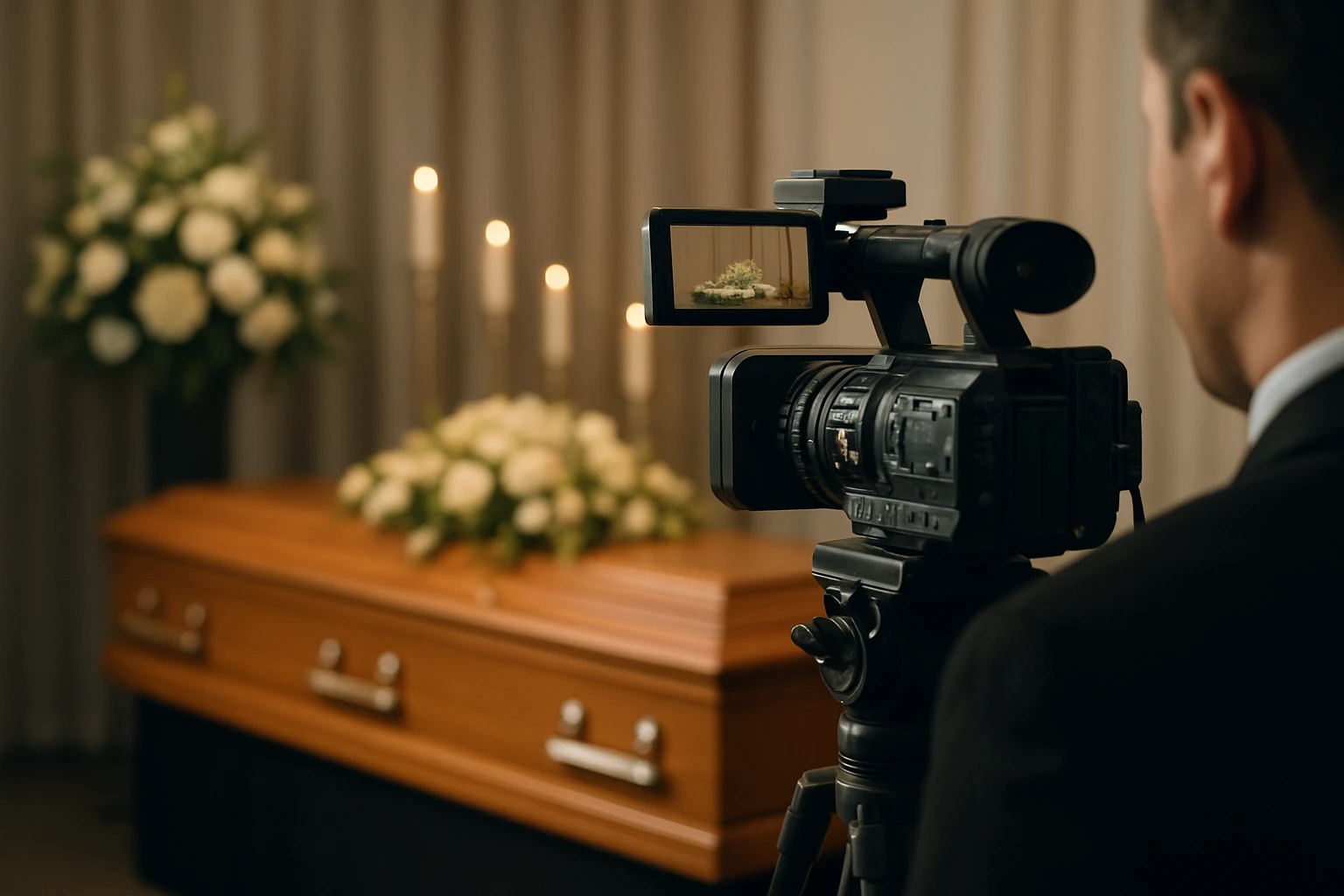
Ask for the basics in one list. You want cameras, tripods, microphones, an audio interface or direct PA connection, dedicated internet, live monitoring, recording, and a clear viewing page or link. If a provider cannot outline the chain end to end, you are buying hope instead of a service.
Livestream Co says its crew handles cameras, audio, and internet for weddings and funerals across Brisbane, the Gold Coast, and Queensland. That three-part breakdown is useful because it covers the technical points that fail most often: picture, sound, and connectivity.
Ask for the full chain: cameras, audio, internet, hosting, and post-service delivery.
Useful extras for families and funeral directors
Some extras are not decorative at all. They solve real problems. Keepsakes and add-ons such as USB keepsakes in bespoke enclosures, edited recordings, captions, interpreters, and drone footage where suitable can all be helpful. Not every family wants those options, but it helps to know they exist.
Full AV and overflow solutions matter for larger services where the room cannot comfortably hold everyone, or where on-site guests in another space still need clear sound and vision. For a packed church in Brisbane or a memorial with interstate speakers joining remotely, overflow support can be the difference between calm and chaos.
| Resource | When it helps | Why it matters |
|---|---|---|
| Edited recording | Family wants a polished keepsake | Removes dead time and improves rewatch quality |
| Private viewing page | Guests are spread across countries | Central place for replay, photos, and tributes |
| USB keepsake | Older relatives prefer physical media | Simple handover and long-term storage |
| Captions or interpreter support | Hearing or language needs are present | Makes the service more accessible |
| Overflow AV | Venue capacity is tight | Keeps on-site guests included as well |
Questions to ask before you book
Write these down before you make calls. They will tell you more than any polished homepage.
- Do you bring your own internet connection?
- How do you capture audio from the lectern, officiant, and music?
- Is the stream public, unlisted, or private?
- Do viewers need a password, login, or app?
- Will we receive a recording, and how soon?
- Can you cover a church, home, chapel, graveside, or outdoor memorial?
- Do you provide captions, interpreter support, or overflow AV if needed?
- How visible will the crew and equipment be during the service?
It is also worth asking about event mix. A provider that covers weddings, funerals, seminars, school events, and corporate streaming may have strong technical competence, but funerals require a specific bedside manner. Experience with events generally is helpful. Experience with farewells is different.
How to Choose the Right Brisbane Funeral Live Streaming Service
Green flags: experience, discretion, and clear workflow
Look for evidence that the provider already works comfortably in the funeral world. Trusted by leading funeral providers across South East Queensland is the kind of reassurance that matters because funeral directors are careful about who they bring into emotionally charged rooms.
Venue range matters too. Experience across churches, homes, gravesides, beaches, and outdoor memorials, including Brisbane, tells you the crew has likely dealt with weather, unusual layouts, changing light, and different forms of ceremony. Those are real operational skills, not brochure words.
A final green flag is clarity. Good providers explain the process without jargon. They tell you when they arrive, what they bring, how guests watch, and what happens afterward. If the answers are vague, move on.
Questions to compare quotes and service models
Price matters, but line items matter more. One quote may include internet, recording, hosting, and guest support. Another may only include camera coverage. If you compare only totals, you may choose the cheaper option and discover later that the essentials were never included.
Providers often describe themselves with broad terms. Reliable, efficient, and flexible are useful starting points. A professional livestreaming service for weddings and funerals across Brisbane, the Gold Coast, and Queensland is also a clear way to frame the work. Ask each provider to translate the language into a workflow you can actually picture.
| Comparison point | What to ask | Why it matters |
|---|---|---|
| Staffing model | Is one person on site enough, or is there remote support? | More monitoring usually means fewer surprises |
| Audio plan | Do you take a direct feed from the PA? | Speech intelligibility decides viewer experience |
| Connectivity | Do you rely on venue Wi-Fi or bring your own internet? | Connectivity failure ruins even good camera work |
| Guest access | Do viewers need logins, passwords, or downloads? | Simpler access reduces support calls |
| Playback and hosting | How do we get the recording, and how long is it hosted? | Families often need replay after the day |
| Venue fit | Have you streamed in churches, gravesides, or outdoor sites? | Different venues create different technical risks |
Matching the provider to the venue type and memorial style
Not every funeral needs the same approach. A quiet chapel service for 40 guests may only need one discreet camera and strong audio. A large church service with a choir, photo slideshow, and overflow seating needs more coordination. A graveside farewell at Nudgee or an outdoor memorial near the bay needs stronger connectivity planning and weather awareness.
Match the provider to the shape of the day. If your family wants a private, intimate replay page, choose a team that offers secure hosting. If your service includes interstate speakers or a bilingual audience, ask about interpreter support, captions, and remote contribution. If the day moves between sites, confirm whether coverage moves too.
For funerals, reliability and discretion should matter more than flashy production language.
The best fit is rarely the provider with the fanciest wording. It is the one that understands the room, explains the workflow clearly, and makes everyone feel that this will be handled with care.
The best funeral livestreams feel almost invisible — clear sound, steady connection, easy guest access, and a respectful recording ready when your family needs it.
When you compare professional funeral live streaming services in Brisbane, look past glossy language and ask who will manage the whole chain from setup to playback, privacy, and delivery.
Which details would give your family the most peace of mind on the day: simpler guest access, stronger privacy, faster recording delivery, or all three?
Plan A Calm Farewell With Livestream Company
Livestream Company sends a Brisbane crew for fast setup and on-site support, helping families and organisations share funerals, weddings, conferences, and seminars clearly from anywhere.